
Everything in one archive
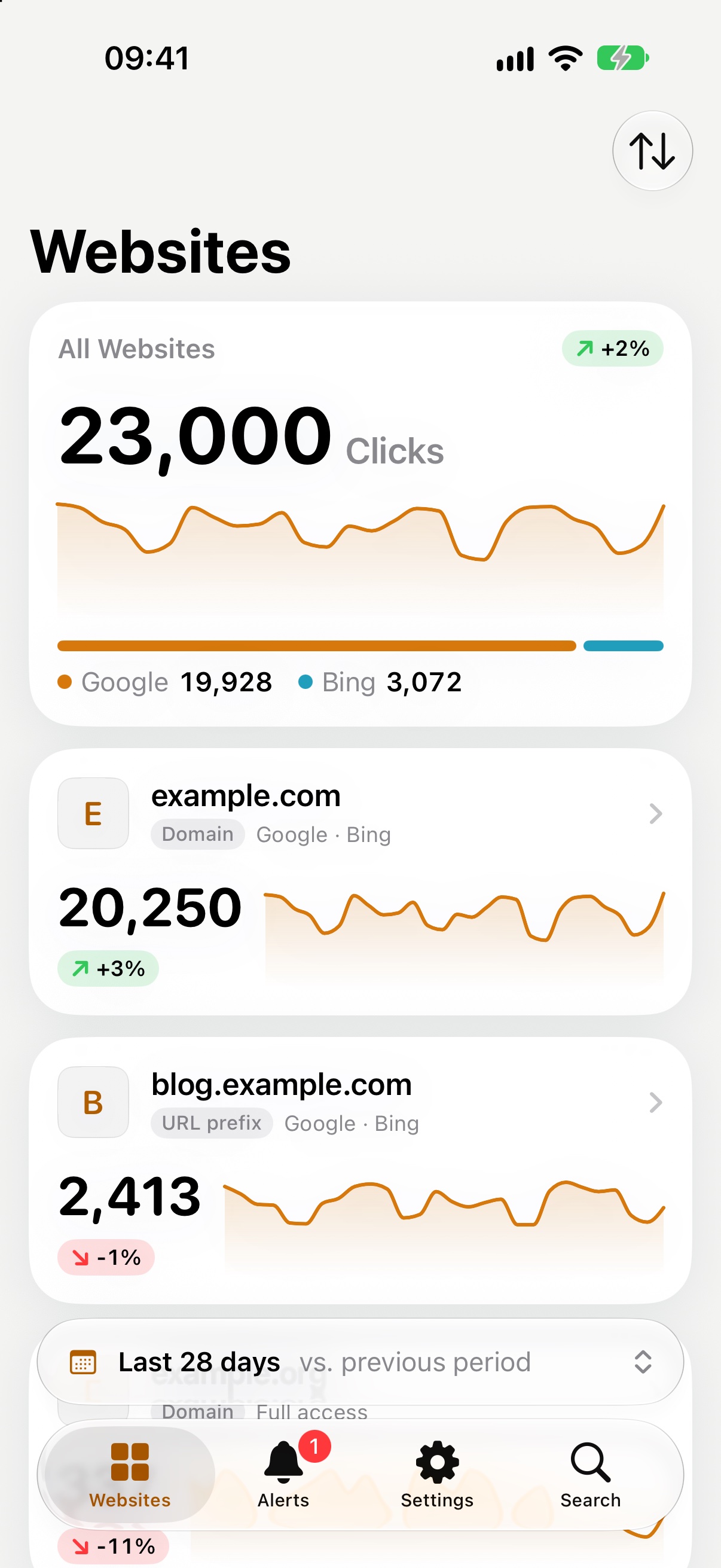
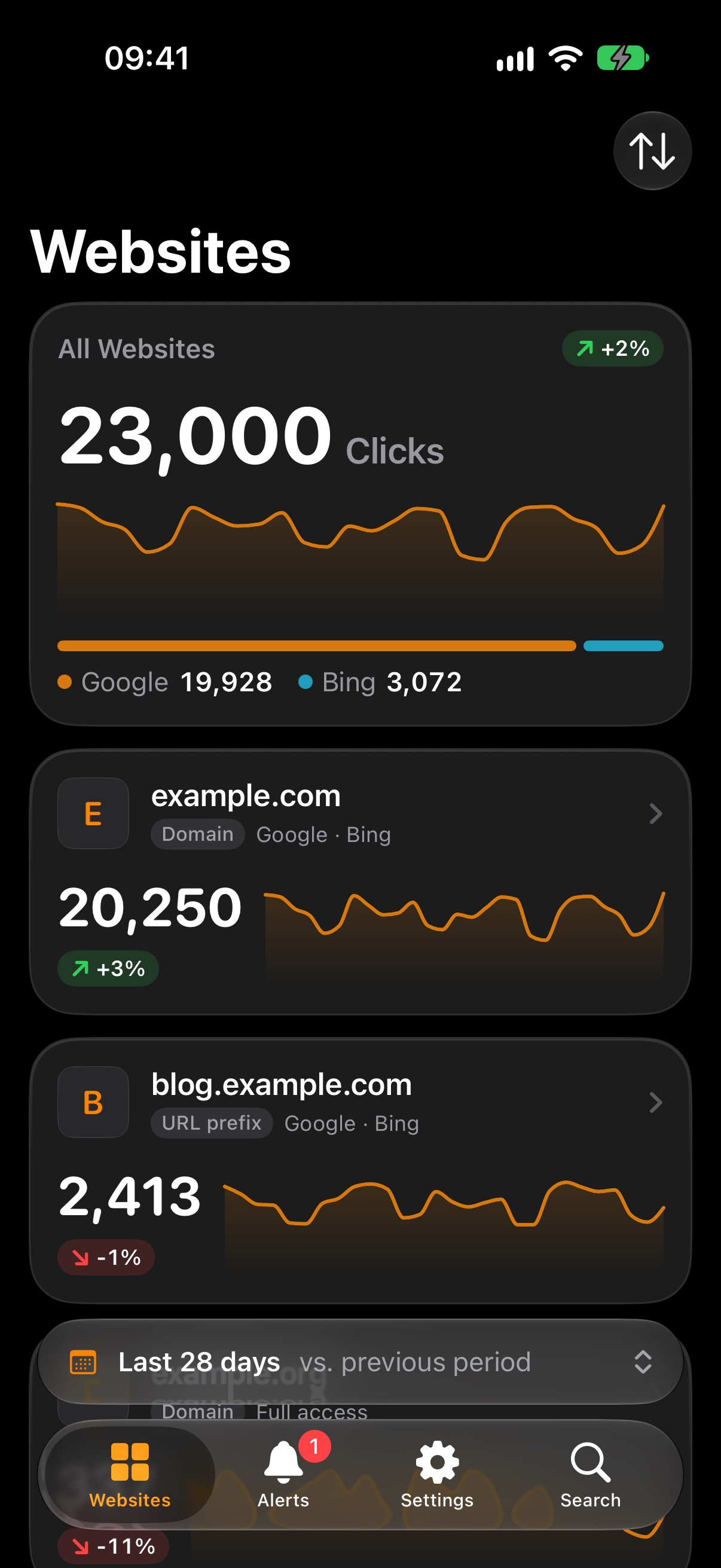
The icon in light and dark, iPhone screenshots in full resolution, and the three texts as a plain text file.
Download the press kit ZIP, 3.5 MB
Where the app stands
Visola 1.0 is in its last stretch before the App Store. It comes out for iPhone and iPad.
The app in three lengths
Short
Visola shows the numbers from Google Search Console and Bing Webmaster Tools for all your websites, side by side, on iPhone and iPad. It has no server: the data goes straight from Google and Bing to your device and stays there.
Medium
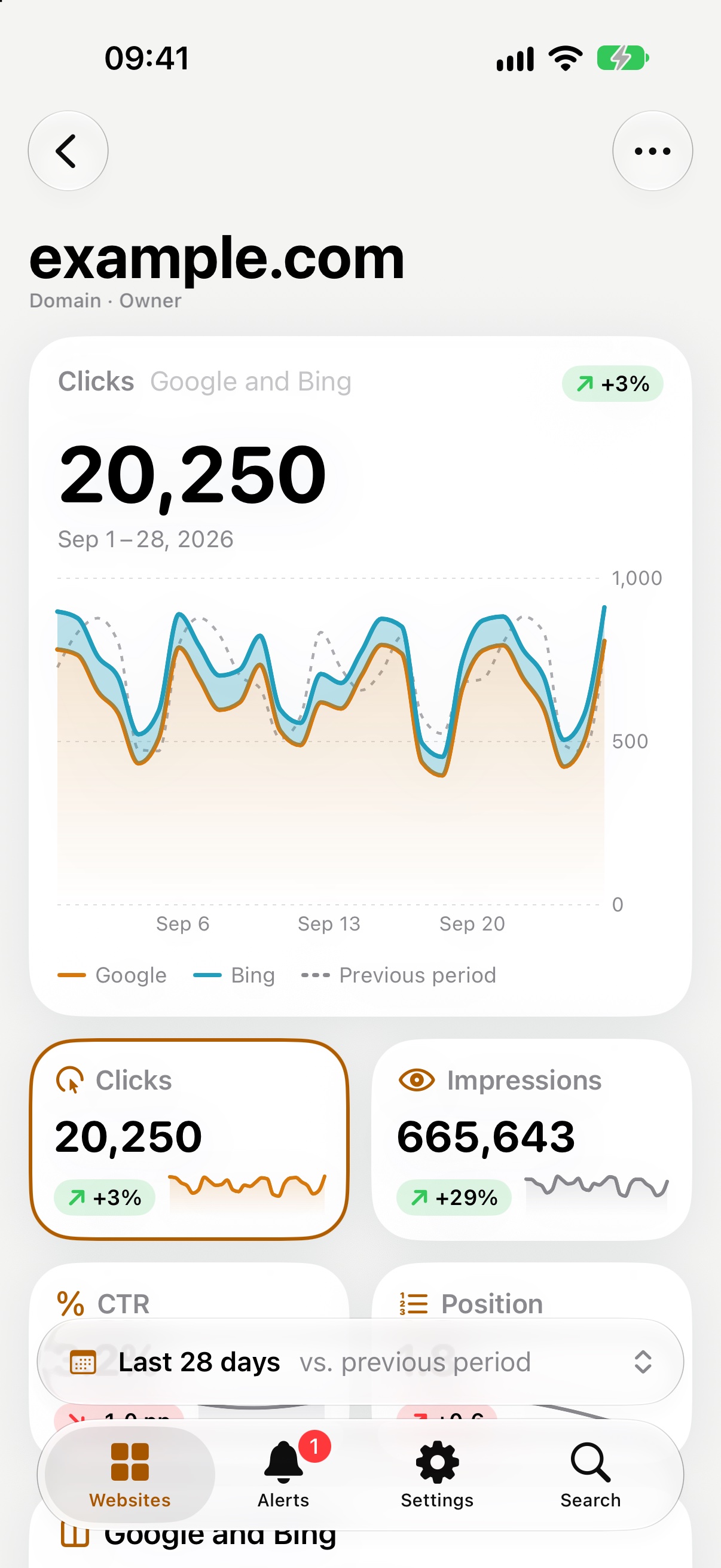
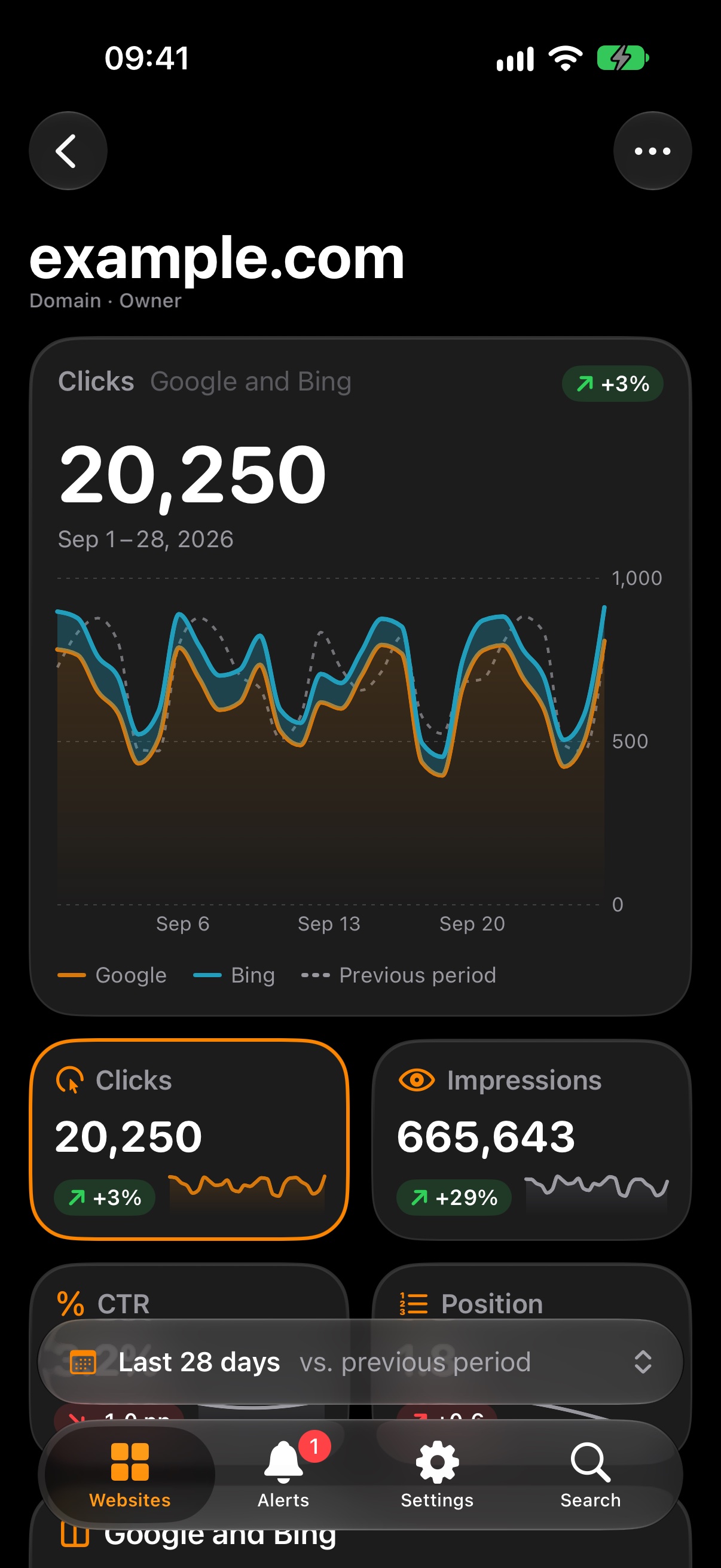
Visola brings Google Search Console and Bing Webmaster Tools to iPhone and iPad in one app. Sign in with Google and every website from Search Console is there, with clicks, impressions, CTR and position compared with the period before. Paste a key from Bing Webmaster Tools and Bing’s clicks and impressions join in. Queries, pages, countries and devices show where visitors come from, and a widget keeps the clicks on the Home Screen. Visola has no server and collects nothing.
Long
Visola is for people who look after websites and want their search numbers on the phone. It brings Google Search Console and Bing Webmaster Tools together on iPhone and iPad, which neither Google nor Microsoft offers as an app. Sign in with Google and every website from Search Console appears, from several accounts if needed, with no projects to set up. Clicks, impressions, CTR and position come for seven days up to sixteen months, each against the period before, with a chart you can scrub through. Queries, pages, countries and devices show where visitors come from, including the queries on positions 4 to 10 that are close to the top. A key from Bing Webmaster Tools adds Bing’s numbers next to Google’s. Visola keeps the daily totals on the device, so the history reaches further back than Google’s sixteen months, and it notes when a website drops or jumps sharply from one week to the next. Widgets put the clicks on the Home Screen and Lock Screen. The app only reads, has no server of its own and collects nothing: the numbers go straight from Google and Bing to the device and stay there.
The facts
- Requirements iOS 26 and iPadOS 26.
- Developer Missaq Ataschi, design engineer in Switzerland, working alone. missaq.com
- Languages English, German, French, Italian, Spanish, Portuguese (Brazil), Japanese, Korean, Simplified Chinese and Traditional Chinese, following the system language.
- Data None collected. No server, no account, no analytics, no advertising. Google and Bing are only read. visola.app/privacy
The files, one by one
If the archive is more than you need. The icon is square and full bleed, the way iOS masks it. The websites and numbers in the screenshots are made up.
Icon
iPhone
Using them
Use the pictures as they are or cropped, in print and online. The icon keeps its shape and colours. There is no logo beyond the icon and the plain word Visola.
Contact
Questions or a review copy: support@visola.app. Mails in German are answered in German.
Last updated: 2 October 2026